


写作工具
对于科创论文,我们一般使用Word进行写作。对于需要大量数学公式的论文,可以使用\LaTeX进行编写。\LaTeX的官网介绍1如下:
LaTeX, which is pronounced «Lah-tech» or «Lay-tech» (to rhyme with «blech» or «Bertolt Brecht»), is a document preparation system for high-quality typesetting. It is most often used for medium-to-large technical or scientific documents but it can be used for almost any form of publishing.
由上,\LaTeX是一个高质量的排版系统,并且广泛应用于出版文章中。\LaTeX的文章写作与Word有较大的不同,我们以1中的示例代码进行介绍:
\documentclass{article}
\title{Cartesian closed categories and the price of eggs}
\author{Jane Doe}
\date{September 1994}
\begin{document}
   \maketitle
   Hello world!
\end{document}
上述代码的渲染结果如下:
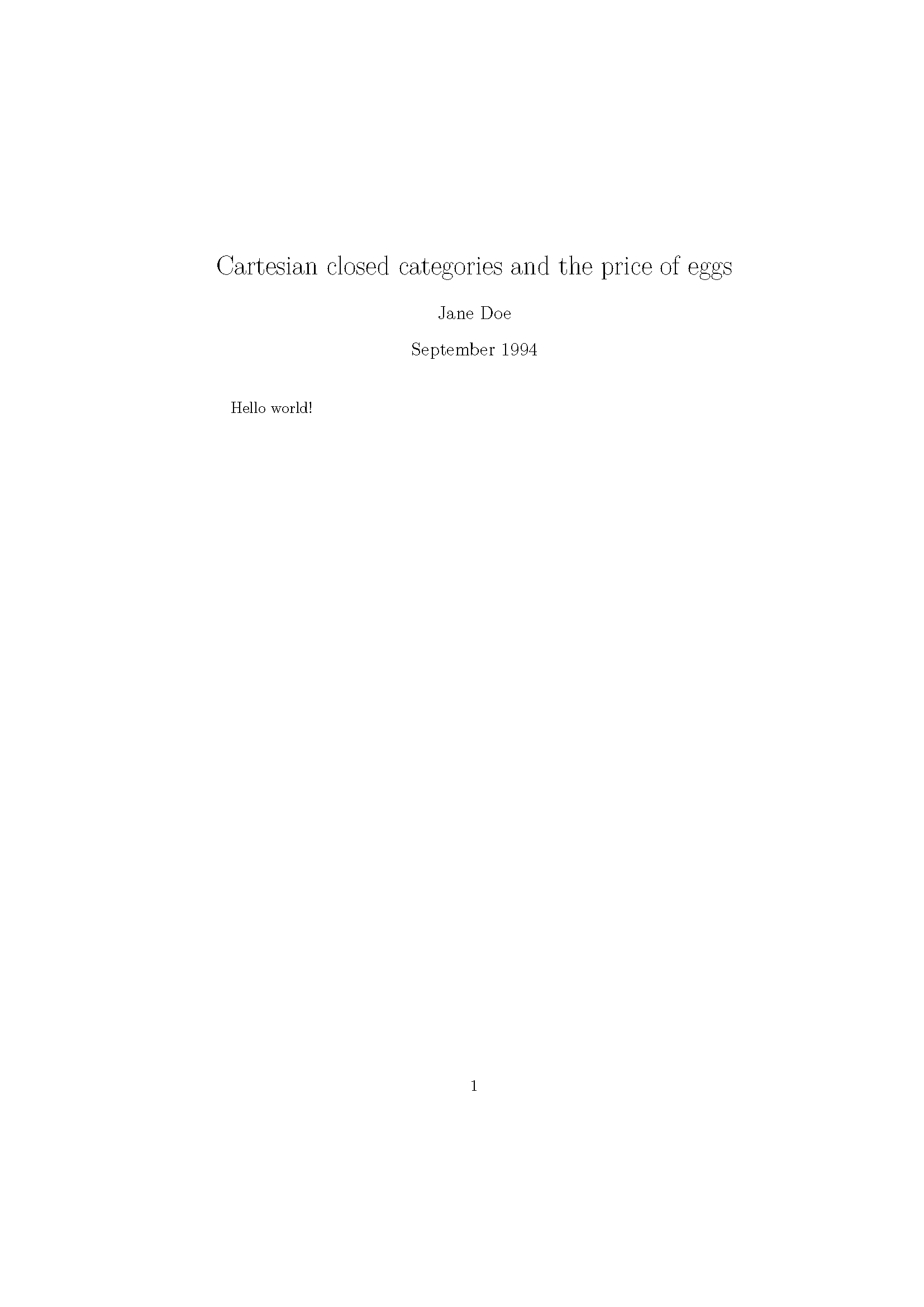
这段代码通过\LaTeX进行排版,而文章的编辑者只需专注于文章的内容而非排版,例如标题的字体与字号。这大大方便了文章的编辑。并且\LaTeX的模板资源容易获取,只需修改模板中的相关内容即可实现文章编写,不需要操心文章的排版。
\LaTeX的上手并不困难,通常学会编辑模板中的内容基本能够完成文章的编写。其他内容(如表格、图片)可参考相关文档2进行编写,表格一般使用plugin进行转换。
对于\LaTeX的安装与使用,笔者推荐使用Tex Live与Tex Studio进行\LaTeX的编写。除此之外也可以使用Tex Live与Visual Studio Code进行编写(笔者正在使用的组合)。对于后者的安装,可以参考这篇文章3进行安装,具体安装流程不再赘述。办公室中的最靠左侧电脑已配置好\LaTeX环境,可以直接使用。
对于科创论文的写作模板,可联系笔者索要(对于本校学生)。该模板基于清华大学硕士论文进行修改。
参考内容
An introduction to LaTeX, https://www.latex-project.org/about/ ↩︎ ↩︎
LATEX for authors, https://www.latex-project.org/help/documentation/ ↩︎
Visual Studio Code (vscode)配置LaTeX, https://zhuanlan.zhihu.com/p/166523064 ↩︎